
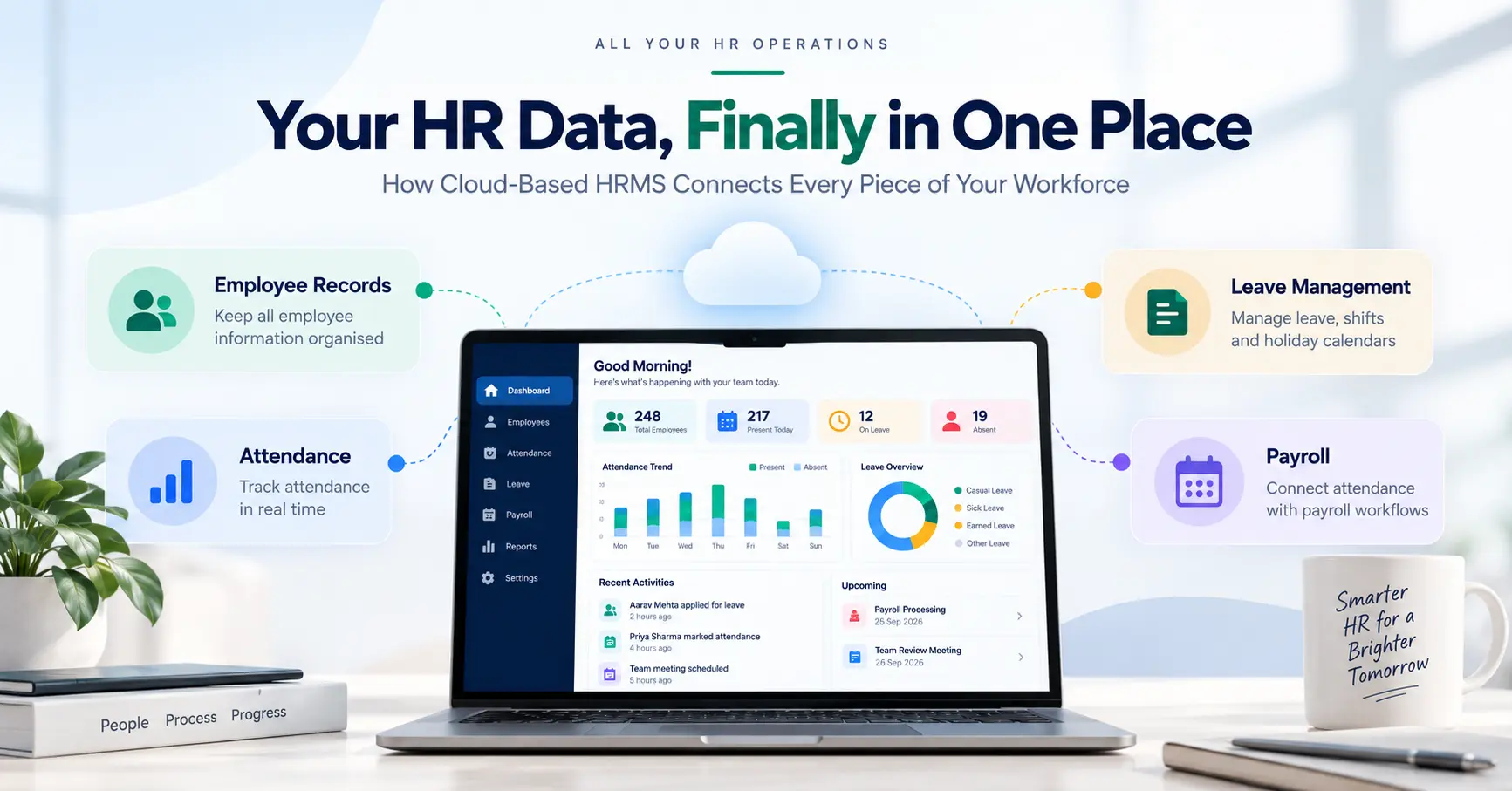
Cloud Based HRMS: Features, Benefits and How It Works
Introduction
HR rarely becomes difficult because of one big problem. It usually happens through dozens of small ones.
An employee changes departments, but the payroll sheet still shows the old cost centre. A manager approves leave on WhatsApp, while HR updates it later in Excel. Attendance comes from a biometric system, reimbursements arrive by email, and payslips are stored somewhere else again.
For a small team, people often manage these gaps by talking to each other. As the company grows, that stops being reliable.
A cloud based HRMS gives businesses one place to manage employee information and recurring HR work. Depending on the software, it can cover attendance, leave, payroll, employee records, onboarding, performance reviews and self-service.
Employees and managers can access the system online instead of relying on separate spreadsheets, local software or long email chains.
The practical question is not simply whether a company needs an HRMS. It is whether the system can connect the HR processes the organisation actually runs.
What Is Cloud Based HRMS?
A cloud based HRMS is Human Resource Management System software hosted on cloud infrastructure and accessed through the internet.
The business does not usually install the complete system on its own servers. Instead, employees, managers and HR teams log in through a browser or mobile app.
The software provider handles the underlying hosting and most application updates, while the company configures its own policies, user roles and workflows.
A typical HRMS may include:
- Employee records and documents
- Attendance and shift management
- Leave management
- Payroll
- Employee self-service
- Recruitment and onboarding
- Performance management
- Expense or reimbursement workflows
- HR reports
Not every product includes all of these functions, and the quality of individual modules can vary significantly.
That matters because the term HRMS is broad. One vendor may be strong in payroll and attendance but offer only basic recruitment features. Another may provide good employee self-service but depend heavily on third-party tools for payroll.
So the useful question is not whether software calls itself an HRMS. The better question is whether it can handle the HR processes your organisation actually runs.
HRMS, HRIS and HCM
You may also see the terms HRIS and HCM while comparing HR software.
HRIS usually refers to systems built around employee records and core HR administration. HRMS is commonly used for software that adds operational functions such as payroll, attendance and leave.
HCM often includes broader talent-related areas such as performance, workforce planning or learning.
In real product comparisons, these boundaries are not consistent. Vendors use the labels differently. The feature list and workflow matter more than the category name.
How Does a Cloud Based HRMS Work?
The easiest way to understand an HRMS is to follow a normal employee request.
Suppose an employee wants to take two days of leave. Without an integrated system, the employee may message a manager. The manager approves it. HR updates a leave tracker. Attendance needs to be corrected separately, and payroll may later ask whether the absence was approved.
Each step is simple. The inefficiency comes from people entering or checking the same information more than once.
In a cloud HRMS, the employee submits the leave request in the system. It goes to the relevant manager. Once approved, the leave balance changes and the attendance record can reflect the approved absence.
If payroll uses the same attendance information, HR does not need to recreate that data in another file.
Connected workflows reduce repeated data entry between these processes.
Most cloud HRMS platforms are built around this kind of connected workflow. Employee information sits in a central database. Users receive access based on their roles. Employees handle routine tasks through self-service. Managers receive approvals. HR administrators manage policies, payroll inputs and records.
The value depends on how well those parts connect. If HR still has to export attendance to Excel, clean it manually, email it to payroll and upload another file at the end, the company has digitised only part of the process.
Important Features to Look For
A long feature list looks impressive in a demo, but most businesses rely heavily on a smaller group of functions.
Employee Records
The employee profile is the foundation of the system. It may contain contact information, department, designation, reporting manager, joining date, employment status, documents and salary details.
A central record reduces the chance of different departments working with different versions of the same information.
Attendance and Shifts
Attendance can become complicated quickly when a company has shifts, late-coming rules, weekly offs, overtime or multiple locations.
An HRMS may collect attendance through web check-ins, mobile apps, biometric integrations or other systems.
A basic 9-to-6 office schedule is easy to demonstrate. Rotational shifts and exceptions are where you learn whether the system is flexible enough.
Leave Management
Employees should be able to see available leave, submit a request and track its status without asking HR each time.
For HR teams, useful features include policy configuration, approval routing, holiday calendars, leave balances and a clear history of requests.
Leave management becomes more valuable when approved leave also updates attendance and payroll inputs instead of remaining in a separate module.
Payroll
Payroll deserves more attention than almost any other feature because mistakes affect employees directly.
A payroll module may handle salary structures, earnings, deductions, attendance inputs, reimbursements, payslips and payroll reports.
For Indian businesses, vendors should be able to demonstrate how the software handles the payroll and statutory requirements that apply to the organisation.
Employee Self-Service
Employee self-service, or ESS, is one of the simplest ways to reduce routine HR queries.
An employee may be able to check attendance, apply for leave, download payslips, update permitted personal details or submit claims without contacting HR.
A useful test is to give the employee portal to someone who has never seen it before. If they cannot find a payslip or submit leave without help, the interface may create more support work than expected.
Recruitment and Onboarding
Some HRMS products begin the employee journey at recruitment. They may track applicants, interviews and offers, then move selected candidate information into onboarding.
After joining, documents can be collected and employee records created without re-entering everything manually.
This can save time, but only if recruitment is a genuine requirement. A company should not pay for a large applicant tracking module simply because it is bundled with the package.
Reporting
HR teams are often asked for headcount, attendance, leave, payroll or employee movement data at short notice.
Good reporting tools make this easier because the data already exists in the system. Poor reporting tools simply move the manual work from spreadsheets into exports.
Before purchase, ask the vendor to create two or three reports your team actually uses. That will tell you more than looking at a gallery of dashboards.
Benefits of Cloud Based HRMS
The biggest benefit of cloud HRMS is usually less repetitive work.
Consider a new employee. Their name, department, manager, joining date and salary information may be needed by HR, payroll, attendance and reporting.
In a disconnected setup, someone may enter the same details several times. In an integrated system, the employee record can feed the other processes.
That saves time, but it also reduces the number of places where information can become inconsistent.
Cloud access is useful for businesses with several offices or people working remotely. Managers can approve requests without being at the head office. Employees can check records or download documents themselves.
Self-service also changes the type of questions HR receives. Instead of spending time sending payslips or checking leave balances, the team can focus on issues that actually need human involvement.
Another benefit is lower application infrastructure responsibility. The provider generally looks after the hosting environment and software releases.
Growth is easier to manage as well. A spreadsheet may technically hold thousands of rows, but that does not make it a good HR system. As more employees join, approvals increase, policies become more complex and reporting takes longer.
None of this means every process should be automated. HR still involves judgement, conversations and exceptions. The system is most useful when it removes repetitive administration around those decisions.
Cloud HRMS vs On-Premise HRMS
The main difference is where the software runs and who maintains the infrastructure.
| Area | Cloud Based HRMS | On-Premise HRMS |
|---|---|---|
| Hosting | Provider or cloud infrastructure | Company-managed infrastructure |
| Access | Usually browser or app based | Depends on internal setup |
| Updates | Usually handled by provider | Managed by the organisation |
| Server maintenance | Limited internal responsibility | Internal IT responsibility |
| Scaling | Often easier to expand | May require more infrastructure |
| Pricing | Commonly subscription based | May include licences, hardware and maintenance |
Cloud software is usually attractive to companies that want easier access and do not want to maintain the application infrastructure themselves.
On-premise systems can still make sense in organisations with specialised technical requirements, existing internal infrastructure or specific control needs.
The decision should come from operational requirements, not from the assumption that one deployment model is always better.
Security, Privacy and Practical Limitations
HR software holds information that deserves careful protection. Salary details, bank information, addresses, tax records and employee documents may all sit in the same platform.
Security should therefore be part of the buying process.
Ask how the vendor controls access. Check whether multi-factor authentication is available, whether sensitive modules can be restricted by role and whether important user actions are logged.
Ask how backups work and how quickly access can be removed when an employee leaves.
Encryption matters too. Vendors should be able to explain how they protect information while it is stored and while it is being transmitted.
Then look at your own practices. A company can buy secure software and weaken it by sharing passwords or giving administrator access to too many people.
Privacy needs similar attention. Businesses should know what employee data they collect, why they need it, who can see it, how long it is kept and what happens when the information is no longer required.
Cloud HRMS has other practical limitations as well. Internet connectivity can affect access. Subscription costs may rise as headcount grows. Integrations with old biometric devices, accounting tools or ERP systems may take more work than expected.
Data migration is another common problem. Old spreadsheets often contain duplicate records, missing information and inconsistent naming. Moving that data into a new system without cleaning it first simply carries the old mistakes forward.
Vendor lock-in deserves attention too. Before signing a contract, ask how employee records can be exported and what happens to your data if you decide to move to another product later.
How to Choose the Right Cloud Based HRMS?
Start with the problems your HR team already has.
If payroll takes several days because attendance must be cleaned manually, write that down. If employees constantly ask HR for payslips, note it. If managers approve leave through messages that nobody can track later, include that too.
Those problems should shape your requirements.
Start With the Problems Your HR Team Already Has
List the repetitive tasks, delays, duplicate entries and communication gaps that occur in your current HR process.
Decide What You Need Now
Separate essential features from nice-to-have features.
A growing company may genuinely need employee records, attendance, leave, payroll and self-service. Advanced workforce planning may have little value at that stage.
Buying extra modules “for the future” can make implementation harder and increase cost without solving anything today.
Make the Vendor Show Your Workflow
A generic software demo is designed to look smooth. Give the vendor a real example instead.
Ask them to show how an employee records attendance, requests leave, gets approval, appears in payroll and receives a payslip.
Add one or two exceptions that your HR team deals with regularly. If the demonstration requires several manual exports or workarounds, you have learned something important before buying.
Test the Employee Experience
HR administrators will spend enough time in the system to learn its quirks. Most employees will not.
Try the basic tasks from an employee account. Can someone find a payslip quickly? Is the leave balance easy to understand? Can a manager approve a request from a phone?
Software that is difficult for employees often creates a new stream of HR support queries.
Check Integrations Properly
Make a list of the systems that need to connect with the HRMS. This may include biometric devices, payroll tools, accounting software or an ERP.
Do not stop at “Yes, integration is possible.” Ask whether the integration already exists, who configures it, what data moves between systems and whether there is an additional charge.
Calculate the Real Cost
The number shown on a pricing page may not be the final cost. Ask about implementation, data migration, extra modules, integrations, support, training and minimum employee commitments.
Check how pricing changes as the company grows. A cheaper subscription can become expensive once the functions you actually need are added.
Check Support and Exit Options
Implementation support matters, especially during payroll setup and data migration. Ask who will help after launch, how support tickets are handled and whether critical payroll issues receive a different response level.
Also ask how you can export your data if you leave. It is easier to discuss that before signing a contract than after deciding to switch vendors.
Implementing Cloud HRMS Without Creating More Work
A new HRMS should not begin with uploading data. Start by mapping the processes you already have.
Who approves leave? What happens when attendance is wrong? Who sends payroll inputs? Which employee details are mandatory? Where are documents stored today?
This exercise often reveals steps that exist only because “we have always done it this way.” Fix those before automating them.
Clean the Employee Data
Remove duplicate records, standardise department names, correct old designations and fill obvious gaps.
This work is boring, but importing messy data makes every later task harder.
Set Permissions Carefully
A manager may need access to team attendance but not payroll information for the entire company.
HR administrators need broader access, while regular employees should see only what is relevant to them.
Test the Difficult Cases
What happens when someone joins halfway through the month? What if leave is cancelled after payroll inputs are prepared? What happens when a manager is unavailable and an approval is pending?
Perfect test cases rarely reveal configuration problems. Exceptions do.
Train Users on Their Actual Tasks
Training should also be practical. Employees do not need a two-hour tour of every HRMS feature. They need to know how to perform the tasks they will actually use.
Managers need approvals and team information. HR administrators need deeper training because they will handle configuration and exceptions.
Frequently Asked Questions
What is cloud based HRMS?
Cloud based HRMS is online Human Resource Management System software used to manage employee information and HR processes such as attendance, leave, payroll, onboarding and reporting.
How does cloud HRMS work?
Employees, managers and HR teams log into the system through a browser or app. Each user receives access according to their role. Information entered in one process can then be used by connected functions, such as approved leave appearing in attendance and payroll records.
What are the main benefits of cloud HRMS?
The main benefits are reduced duplicate data entry, easier employee self-service, better access across locations, clearer approval workflows and less internal responsibility for application hosting and updates.
Is cloud HRMS secure?
It can be secure when the provider has appropriate controls and the business manages access properly. Buyers should check authentication, encryption, permissions, backups, audit logs and the provider's approach to data handling.
Is cloud HRMS suitable for a small business?
Yes, if HR administration has become difficult to manage manually. Company size is only one factor. A smaller business with shifts, payroll complexity or several locations may benefit from HRMS earlier than a larger company with simple processes.
What should I check before buying HRMS software?
Focus on the processes you need to improve. Then check payroll fit, employee usability, integrations, security, implementation support, total cost and how easily you can export your data.
Final Thoughts
A cloud based HRMS is useful when HR spends too much time moving the same information between spreadsheets, emails and separate tools.
The right system can reduce that repeated work and give employees a clearer way to handle routine requests. The wrong one can simply add another layer of software.
Start with the work your team does manually today. Follow a few real processes from beginning to end, including the awkward exceptions. Then ask vendors to show how their software would handle those exact situations.
That is usually a better test than counting features on a comparison sheet. If you are looking for a connected HR platform, you can explore Peofin and review how its HRMS solution can fit into your existing HR processes.